Free for one TV, every button
No remote? Your phone is the remote.
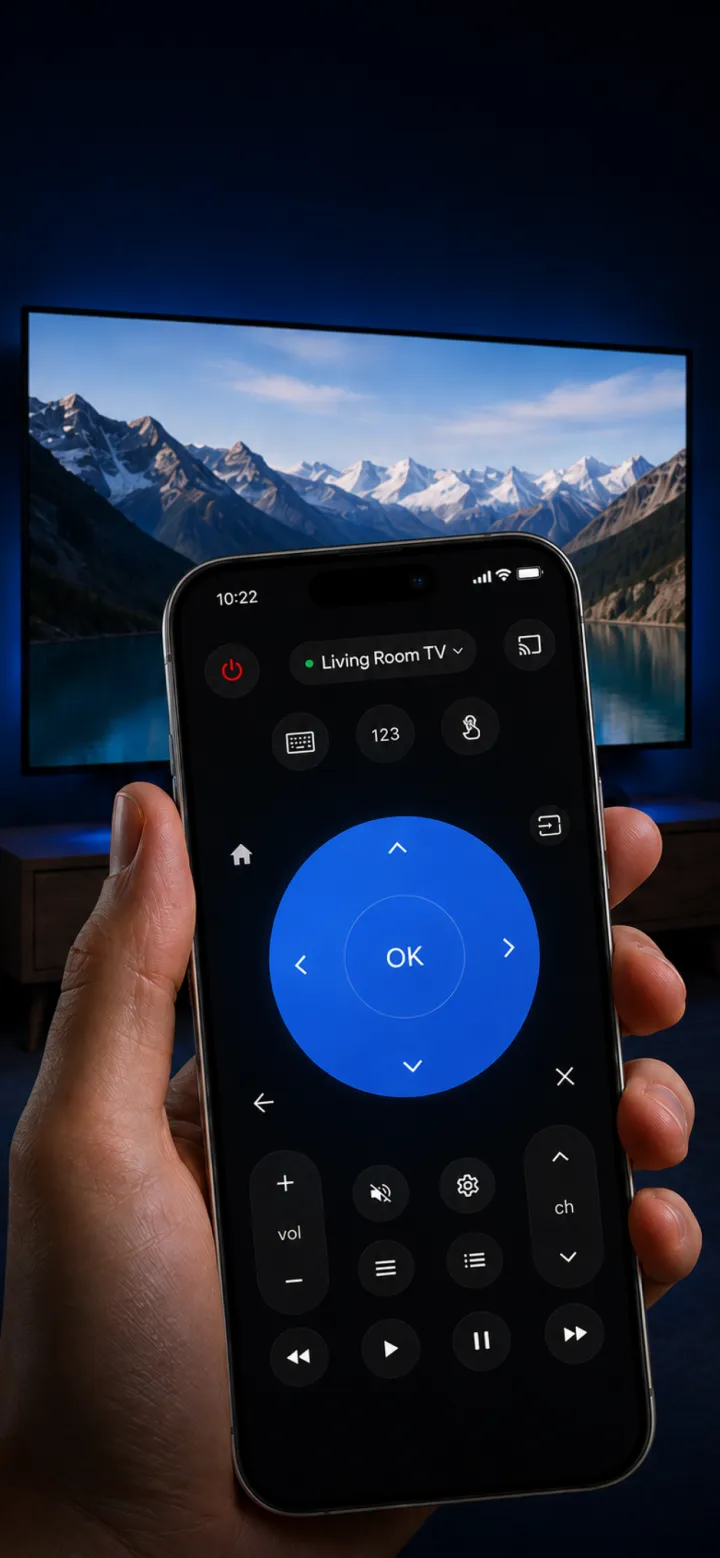
NoRemote controls Samsung, LG, Roku, Vizio, Fire TV and Google TV over your home Wi-Fi. Power, volume, inputs, typing and your streaming apps, all from the phone already in your hand.


No infrared, no extra hardware. Works on iPhone and Android.
Made for the moment the remote is gone
Remote lost in the sofa
Get the TV back on and onto the right input in two minutes.
Batteries dead
Use your phone while the remote charges or until you buy batteries.
Remote won’t pair
Keep watching while you reset or re-pair the original.
Stuck on the wrong input
Switch HDMI inputs and open the app you want from your phone.
Works with these TVs
One app for the whole house. Here is what each TV asks for the first time you connect.
| TV | Covers | First connection |
|---|---|---|
| Samsung | Samsung Smart TVs from 2016 on (Tizen) | Accept the prompt on the TV once. |
| LG | LG Smart TVs (webOS), with a touchpad pointer | Accept the prompt on the TV once. |
| Roku | Roku players and Roku TVs (TCL, Hisense and other Roku TV models) | Nothing to pair. It just connects. |
| Vizio | Vizio SmartCast TVs | Type the 4-digit PIN the TV shows. |
| Google TV | Android TV and Google TV, including Sony, TCL and Hisense Google TV models | Type the 6-digit PIN the TV shows. |
| Fire TV | Fire TV Stick, Fire TV Cube and Fire TV Edition TVs | Turn on ADB debugging in Developer Options first (the app shows you how). |
Not supported: Apple TV, Samsung TVs from before 2016, TVs that aren't smart, cable and satellite boxes, soundbars.
How it works
Join the same Wi-Fi
Put your phone on the network your TV uses. No cables, no extra box.
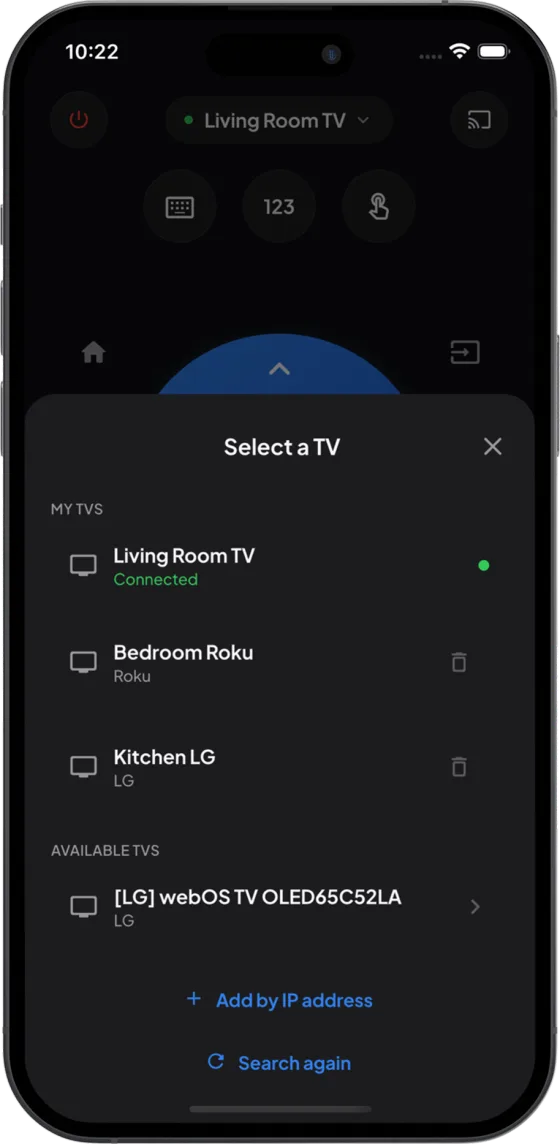
Tap your TV
NoRemote finds smart TVs on the network by itself and lists them by name.
Confirm once, then just use it
Some TVs ask you to accept or type a PIN the first time. After that it reconnects on its own.
Free, for good
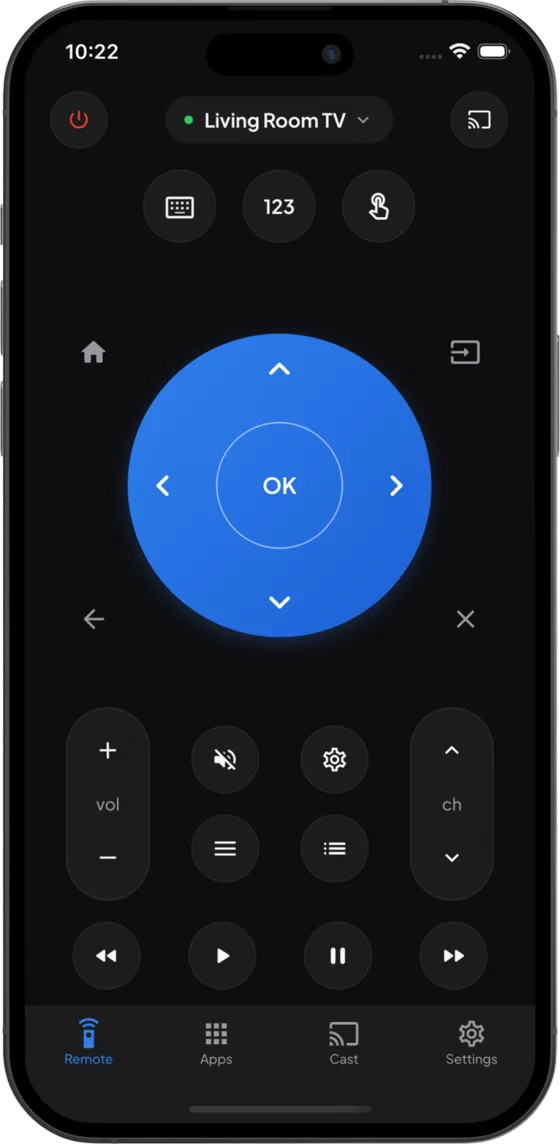
The whole remote for one TV
- ✓ Power, volume, mute, channels
- ✓ D-pad, OK, home, back, number pad
- ✓ Switch inputs (HDMI, TV, AV)
- ✓ Type with your phone keyboard (not on Vizio)
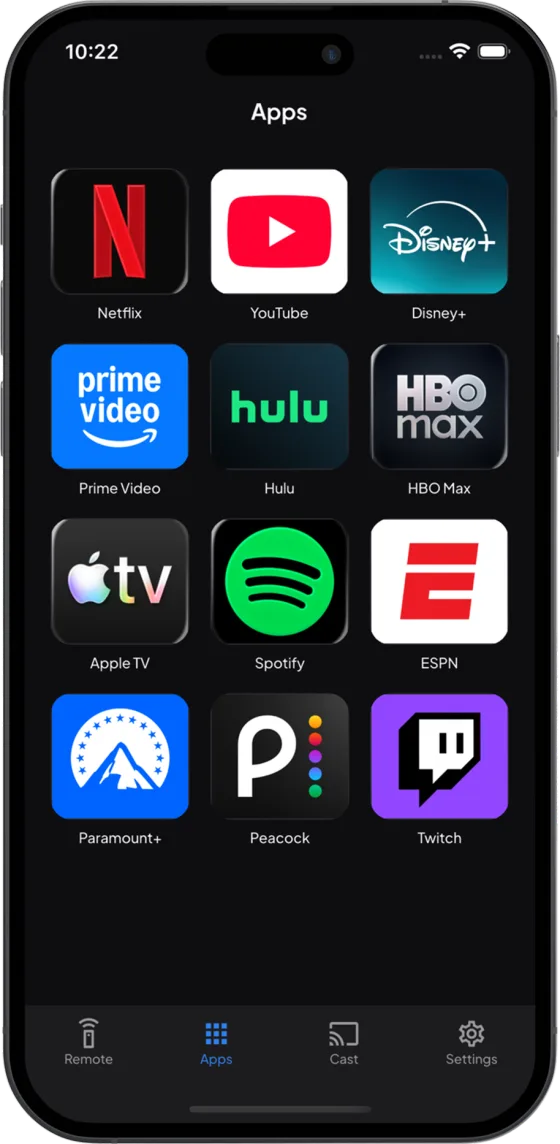
- ✓ Open streaming apps on the TV
- ✓ Touchpad pointer on LG
Premium, optional
For bigger homes and photo nights
- + Cast photos and videos from your phone to the TV
- + Save several TVs and switch between them
Weekly with a 3-day free trial, or yearly. Cancel any time in your App Store or Google Play account.
Questions people ask
Is NoRemote really free?
Yes. The full remote for one TV is free with no button limits: power, volume, channels, the D-pad, home, back, inputs, the number pad, typing and the app launcher. Premium is an optional subscription for casting photos and videos and for saving more than one TV.
Does my phone need an IR blaster?
No. iPhones do not have one, and NoRemote does not use infrared. It talks to smart TVs over your home Wi-Fi, so it works from another room or through a cabinet door.
Which TVs does it work with?
Samsung Smart TVs from 2016 on, LG webOS TVs, Roku players and Roku TVs (TCL, Hisense and others), Vizio SmartCast TVs, Android TV and Google TV sets (including Sony), and Fire TV sticks, Cube and Fire TV Edition TVs.
Does it work with Apple TV?
No. For Apple TV, use the Apple TV Remote built into Control Center on your iPhone.
Why can’t the app find my TV?
Your phone and TV have to be on the same Wi-Fi network, and the TV has to be on or in network standby. Guest networks and hotel Wi-Fi often block devices from seeing each other. On iPhone, allow Local Network access for NoRemote in Settings.
Do I have to pair anything?
Only once, on some TVs. Roku connects straight away. Samsung and LG show a prompt you accept. Vizio shows a 4-digit PIN and Google TV a 6-digit PIN. Fire TV needs ADB debugging turned on in Developer Options, and the app walks you through it.
Can I type with my phone keyboard?
Yes, on every supported TV except Vizio. It is the fastest way to enter a Wi-Fi password or search inside a streaming app.
Never hunt for the remote again.
Your phone is always within reach. NoRemote is free for one TV.