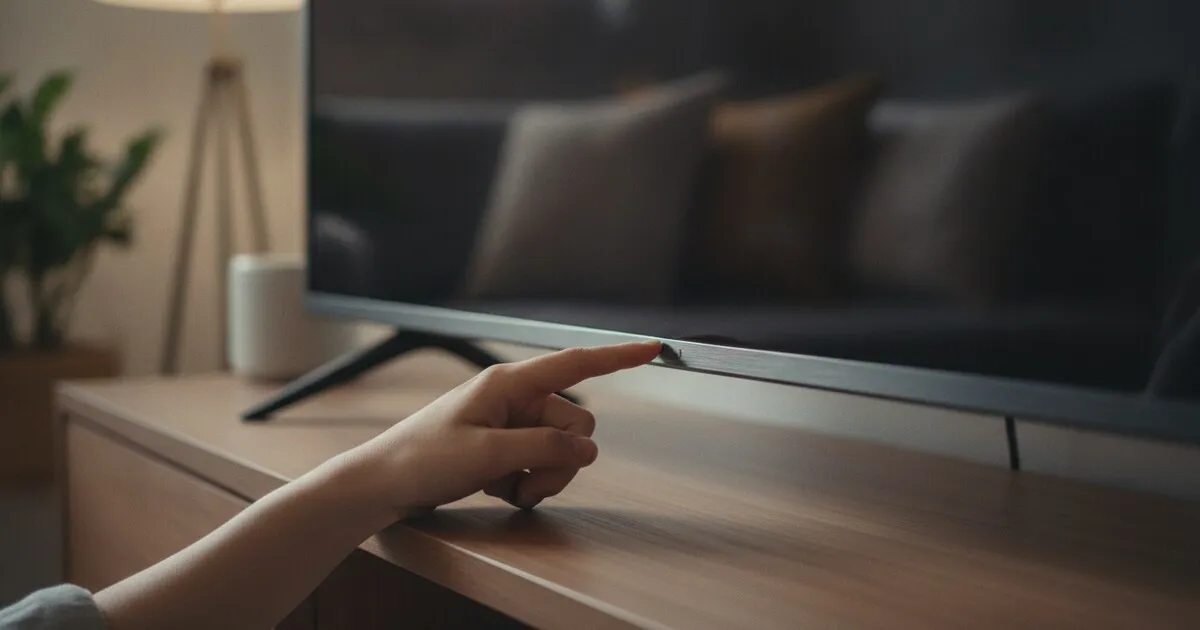
Free checklist
Why can’t my phone find my TV?
Tick each check as you go. Most people are back in control by step 5.
0 of 9 checked
Still not showing up?
Email info@vesoftapps.com with your TV brand, model number and router model, and we’ll look into it.
Or skip all this: use your phone as the remote
NoRemote controls Samsung, LG, Roku, Vizio, Fire TV and Google TV over Wi-Fi. Free for one TV, every button.


Questions people ask
Why can’t my phone find my TV?
Almost always one of four things: the phone and TV are on different networks, the network is a guest or hotel network that isolates devices, a VPN is on, or on iPhone the app has no Local Network permission.
Do my phone and TV need to be on the same Wi-Fi?
Yes. Phone remote apps find and control the TV over the local network, so both must be on the same network. 2.4 GHz and 5 GHz bands of the same home router normally work together.
Can I use a phone hotspot to control my TV?
Yes. If the TV can join your phone’s hotspot, a second phone on the same hotspot can control it, and some people set the hotspot to the old network name and password so the TV reconnects on its own.
Does it work on hotel or Airbnb Wi-Fi?
Often not. Shared networks usually block devices from talking to each other. Some rentals have a separate in-room network that works; otherwise use the TV’s buttons.
How do I turn on Local Network access on iPhone?
Open Settings, then Privacy & Security, then Local Network, and turn the app on. iOS asks the first time the app looks for TVs; if you tapped Don’t Allow, this is where to change it.