Free tool
Will a phone remote work with my TV?
Pick your TV's brand and the system it runs. You'll get a straight yes or no, and the one step your TV asks for the first time you connect.
2. Which system does it run?
Not sure? How to tell from the home screen
- Roku TV: the home screen is a grid of channel tiles with the Roku logo and a purple menu on the left.
- Fire TV: the home screen says Fire TV or prime video along the top, and the remote has an Alexa button.
- Google TV / Android TV: tabs like For you, Live, Apps along the top, or rows of apps with Google Play.
- VIDAA: a VIDAA logo on the home screen (some Hisense and Toshiba sets).
- XClass TV or Xumo: those logos on the home screen (some Hisense sets). Not supported by NoRemote.
Samsung year: see the model year decoder.
Or skip all this: use your phone as the remote
NoRemote controls Samsung, LG, Roku, Vizio, Fire TV and Google TV over Wi-Fi. Free for one TV, every button.
Questions people ask
Can I control my TV with my phone?
Yes, if it is a smart TV on the same Wi-Fi as your phone: Samsung from 2016 on, LG webOS, Roku TV and Roku players, Vizio SmartCast, Google TV and Android TV sets, and Fire TV. Pick your brand above for the exact first-time step.
Does it work if my TV is not a smart TV?
No. Phone remote apps talk to the TV over Wi-Fi, and iPhones have no infrared blaster. For a TV without Wi-Fi, a universal IR remote is the fix.
How do I know which system my TV runs?
Look at the home screen. Roku TV shows channel tiles and the Roku logo, Fire TV shows Fire TV and an Alexa button on the remote, Google TV shows tabs like For you and Apps, and VIDAA shows a VIDAA logo.
What year is my Samsung TV?
The letter in the model number tells you. Use our Samsung model year decoder, or open Settings, then Support, then About This TV on the TV itself.
Does my phone need to be on the same Wi-Fi?
Yes. The phone and TV must be on the same network, and guest networks or hotel Wi-Fi often block devices from seeing each other.
Related guides
All articles →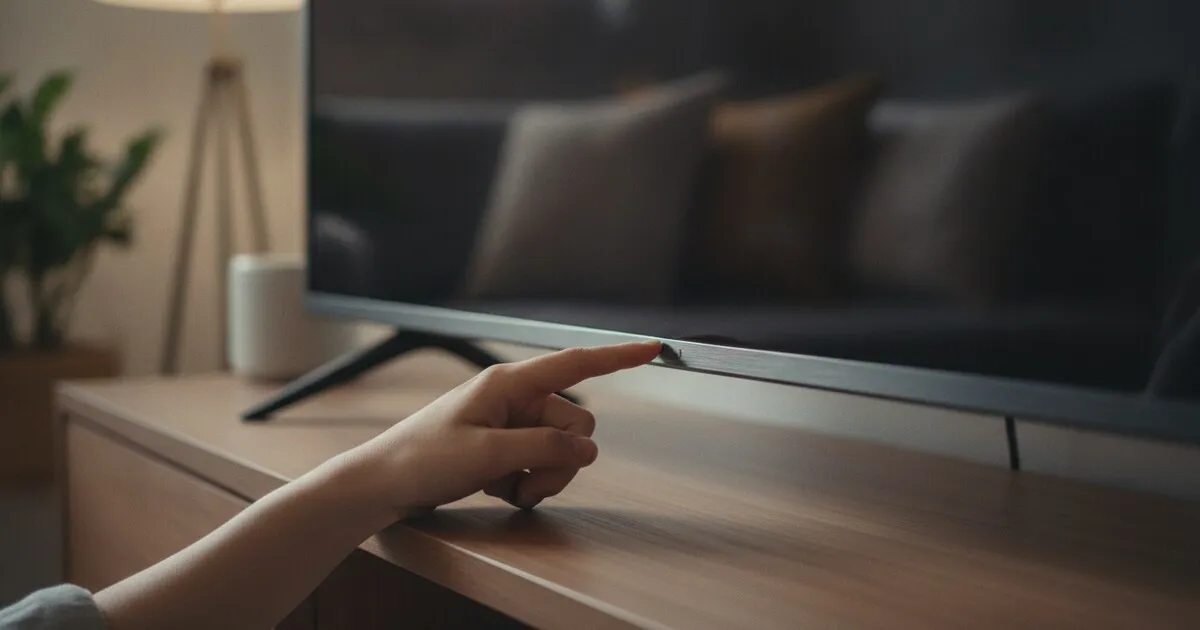
How to Turn On a Samsung TV Without the Remote
How to turn on a Samsung TV without the remote: find the TV Controller button under the screen, then control a 2016+ Samsung TV from your phone over Wi-Fi.
Insignia TV Remote App: Control Your Insignia TV by Phone
Use your phone as a remote for an Insignia TV. Check if it runs Fire TV or Roku TV, follow the setup for each, and fix an Insignia remote that stopped working.
LG TV Remote App: Use Your Phone as a Remote for LG TV
Use an LG TV remote app on your phone: accept the prompt on the TV once, then use the touchpad pointer and keyboard. Also covers LG ThinQ and the TV's own button.